
Basic IT – Complete Computer Course

Categories: Office & IT Essential
Wishlist Share

About Course

Basic IT – Complete Computer Course is a practical 6-week computer training program designed for beginners and students at Matric level and above.
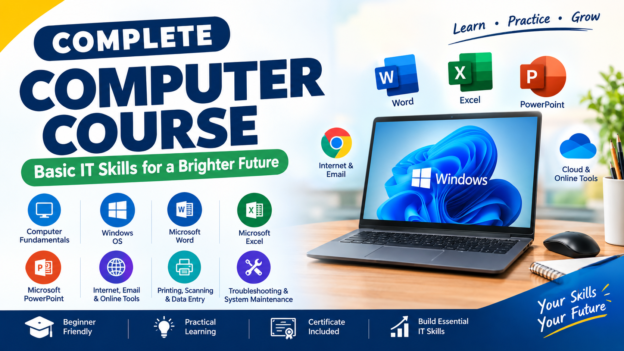
This course takes students from basic computer knowledge to practical office and workplace skills. Students learn how computers work, how to use Windows professionally, manage files and folders, create professional documents in Microsoft Word, work with spreadsheets and formulas in Microsoft Excel, design presentations in Microsoft PowerPoint, use the Internet and Gmail, manage files with Google Drive, print and scan documents, perform accurate data entry, and troubleshoot common computer problems.

The course also includes practical laboratory activities, assignments, projects, quizzes, a final theory and practical assessment, and career guidance for entry-level office and data-entry opportunities.

Course Duration

6 Weeks / 1.5 Months

Software & Tools Covered

  • Windows 10/11
  • Microsoft Word
  • Microsoft Excel
  • Microsoft PowerPoint
  • Google Chrome
  • Gmail
  • Google Drive
  • Printing & Scanning tools
Show More

What Will You Learn?

  • By the end of this course, students will be able to:
  • Understand computer fundamentals, hardware and software.
  • Identify major computer components and explain their functions.
  • Use Windows 10/11 confidently.
  • Create, organize, copy, move, rename and delete files and folders.
  • Use essential Windows keyboard shortcuts.
  • Create and professionally format Microsoft Word documents.
  • Create letters, reports, CVs, tables and newsletters in Word.
  • Use headers, footers, page numbers, styles and Track Changes.
  • Create and manage Microsoft Excel workbooks and worksheets.
  • Enter and professionally format spreadsheet data.
  • Use essential Excel formulas and functions.
  • Understand relative, absolute and mixed cell references.
  • Create charts and graphs from spreadsheet data.
  • Sort, filter and manage Excel Tables.
  • Create professional student result sheets, budgets and inventories.
  • Create professional PowerPoint presentations.
  • Use slide layouts, themes, images, shapes and SmartArt.
  • Apply appropriate animations and slide transitions.
  • Deliver presentations using Slide Show and Presenter View.
  • Browse the Internet effectively using professional search techniques.
  • Create and use Gmail for professional communication.
  • Use Google Drive for cloud storage and file sharing.
  • Understand basic Internet safety and cybersecurity practices.
  • Print and scan documents correctly.
  • Develop basic professional data-entry and typing skills.
  • Improve typing accuracy and speed through practical exercises.
  • Diagnose and troubleshoot common computer problems.
  • Perform basic computer maintenance and virus protection.
  • Complete practical office-related computer projects.
  • Prepare for entry-level computer, office and data-entry work.

Course Content

SECTION 1 – COMPUTER FUNDAMENTALS

  • Lesson 1.2 – Hardware Components
  • Lesson 1.3 – Software
  • Lesson 1.4 – Input & Output Devices
  • Lesson 1.5 – Memory & Storage Units
  • Quiz 1 – Computer Fundamentals
  • Assignment 1 – Identify Computer Components

SECTION 2 – WINDOWS OPERATING SYSTEM

Student Ratings & Reviews

No Review Yet
No Review Yet